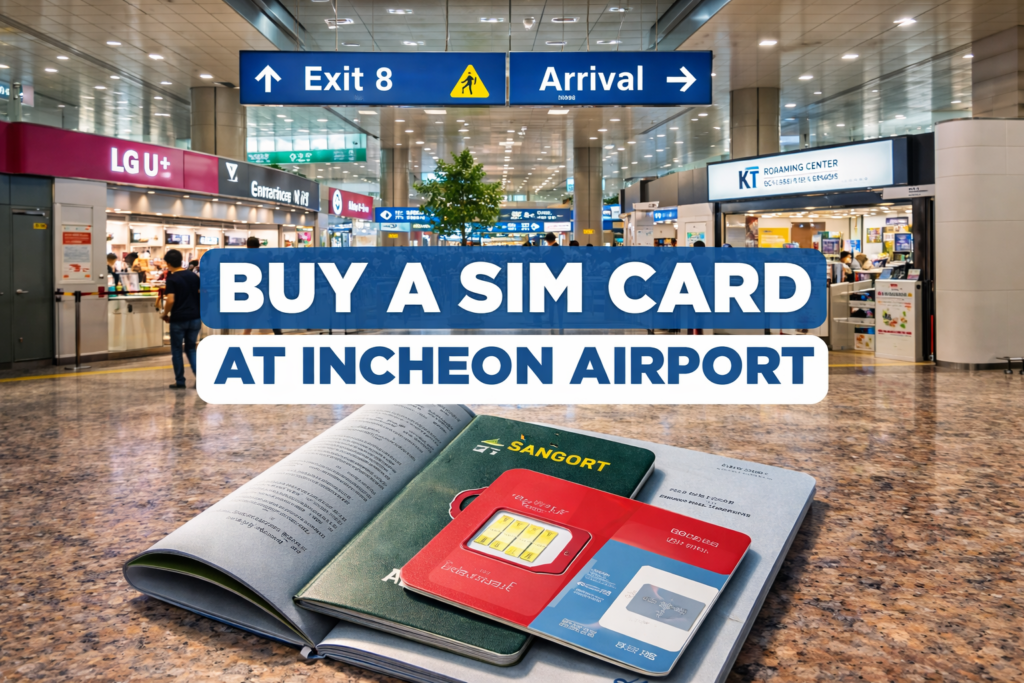
You just landed at Incheon, your phone has no data, Google Maps is acting weird, and you need Kakao Taxi / Naver Map now. Good news: getting a tourist SIM at Incheon is easy if you go to the right counter and your phone is unlocked. This guide shows exactly where to go in Terminal 1 and Terminal 2, what to prepare, and the fastest setup steps.
Table of Contents
Quick answer (TL;DR)
- Best option for most tourists: Buy a tourist SIM/eSIM at the roaming centers in the Arrival Hall (Terminal 1 or Terminal 2).
- Open 24 hours: There are 24-hour roaming centers at Incheon (useful for late-night arrivals).
- Bring: passport, unlocked phone, and a bank card/cash.
- If you want zero hassle, choose eSIM (if your phone supports it) — no tiny SIM pin drama.
Before you land: 3 things to check (don’t ignore this)
1) Make sure your phone is unlocked
If your phone is carrier-locked, the airport staff can’t fix that. No unlock = you just wasted time and money.
2) Check if your phone supports eSIM
If you’ve got a newer iPhone/Pixel/Samsung, you probably do. eSIM is usually faster because it avoids physical swapping.
3) Decide what you actually need
- Data-only is enough for maps, messaging, Uber-style apps, translation.
- Voice + SMS matters if you need a Korean number for calls/text verification or local calls.
Where to buy a SIM card at Incheon Airport (ICN)
The simple rule
After immigration + baggage claim, go to the Arrival Hall and look for Roaming Centers (SK Telecom, KT, LG U+). Incheon’s official airport directory lists multiple roaming center locations in both terminals.
Terminal 1 (T1): best places to buy
You’ll see roaming counters around the 1st floor Arrival Hall. The airport directory shows roaming centers near Arrival Hall A and Arrival Hall F, including 24-hour options.
If you arrive very late/early: prioritize the 24-hour roaming centers near the Arrival Hall areas.
Terminal 2 (T2): best places to buy
Terminal 2 also has roaming centers listed by the airport, including 24-hour locations near Exits 5 and 7 (1st floor) (varies by carrier). 인천국제공항
LG U+ pickup hours example: LG U+ lists a Terminal 2 arrival-hall pickup location (between Gates 4–5) and also a 24-hour option. LG U+
KT also lists Terminal 2 as 24 hours between exits 4–5 on the arrival floor. KT
Reality check: signage is good, but when you’re jet-lagged you’ll walk past it. Don’t overthink—just search the arrival hall for “Roaming Center / SIM / eSIM.”
Step-by-step: Buy and install your SIM at the airport (fastest method)
Step 1: Choose the right counter
Pick SK Telecom / KT / LG U+ roaming centers (official airport-listed counters). 인천국제공항
Step 2: Tell them what you want (use this script)
Say:
- “Tourist SIM” or “Tourist eSIM”
- “Data-only” or “Data + calls”
- “For X days”
Step 3: Show passport + complete identity verification
You’ll be asked for your passport for verification (normal in Korea).
Important update: Korea is rolling out facial recognition during new mobile activation as an anti-scam measure (trial first, broader rollout later). That can mean an extra verification step in some cases. KBS World
Step 4: Pay (card usually works)
Card is fine in most cases. Keep some cash as backup.
Step 5: Install (physical SIM or eSIM)
If physical SIM:
- Turn on airplane mode (optional but helps).
- Insert the SIM.
- Reboot phone.
If eSIM:
- Scan QR code / follow staff instructions.
- Label it “Korea SIM” in your phone settings.
- Set it as your mobile data line.
Step 6: Confirm data works before you leave the counter
Open:
- YouTube short video (loads faster than a full one)
- Google search
- Naver Map / KakaoTaxi
If it doesn’t work, ask them to check APN settings on the spot.
eSIM vs physical SIM vs pocket Wi-Fi (which should you pick?)
eSIM (best for convenience)
Pros: fastest setup, no SIM tray, easy to switch lines
Cons: phone must support eSIM
Physical SIM (works for almost everyone)
Pros: compatible with more phones
Cons: easy to lose your home SIM; SIM tray tool needed sometimes
Pocket Wi-Fi (good for groups)
Airport lists Wi-Fi rental services too, but:
- You must carry/charge another device.
- One more thing to lose.
It’s worth it only if you’re sharing internet with multiple people. 인천국제공항
Common mistakes (that waste time)
- Buying from random convenience stores first
Go straight to roaming centers. Less confusion, proper setup, official support. 인천국제공항 - Not checking if your phone is locked
Locked phone = SIM won’t activate properly. This is the #1 avoidable fail. - Walking away before testing data
Always test at the counter. Fixing it later is annoying. - Assuming Google Maps will be enough in Korea
Even with data, Korea navigation is smoother with local apps. (You already know this — your own Naver Map guide should be internally linked here.)
Troubleshooting (quick fixes)
No data but signal bars show
- Toggle airplane mode ON/OFF
- Restart phone
- Check Mobile Data is enabled
- Check eSIM/SIM is selected as the data line
- Ask staff to confirm APN (do this at the airport counter)
No signal at all
- Confirm SIM is inserted correctly / eSIM installed
- Confirm your phone supports the network bands (rare issue, but happens with some older phones)
FAQ
Can I buy a SIM card at Incheon Airport at night?
Yes — Incheon lists 24-hour roaming centers in the airport directory, and carriers like KT/LG U+ also show 24-hour airport locations depending on terminal/exit. LG U+
Is eSIM available at Incheon Airport?
Yes. Tourist eSIM options are available through major carriers/roaming services, and pickup/activation is supported at airport roaming centers. LG U+
Do I need my passport to buy a SIM in Korea?
Yes, identity verification is standard. Also note Korea’s newer anti-scam verification policies (including facial recognition trial/rollout) can add steps. KBS World
Which terminal am I landing in?
Check your flight details. Incheon’s roaming centers exist in both terminals. 인천국제공항
Should I get data-only or data + calls?
If you only need apps, maps, and messaging: data-only.
If you need a Korean number for calls or verification: data + voice/SMS.
Conclusion + checklist
You don’t need to “research the best SIM” for hours. You need internet fast. Go to the Arrival Hall roaming center, show your passport, pick days + data, and test before leaving.
Incheon Airport SIM checklist
- ✅ Phone unlocked
- ✅ Passport ready
- ✅ Decide: eSIM vs physical SIM
- ✅ Buy at Arrival Hall roaming center (T1/T2) 인천국제공항
- ✅ Test data before walking away